
Your brand
€— Gift card
- From
- Alice Rivera
- For
- Ben Okoro
Gift code GC-••••-••••
No video message attached
Video message included
Open the messageTry it yourself
Pick a shop and an amount, record a real message. Then see the card they receive.
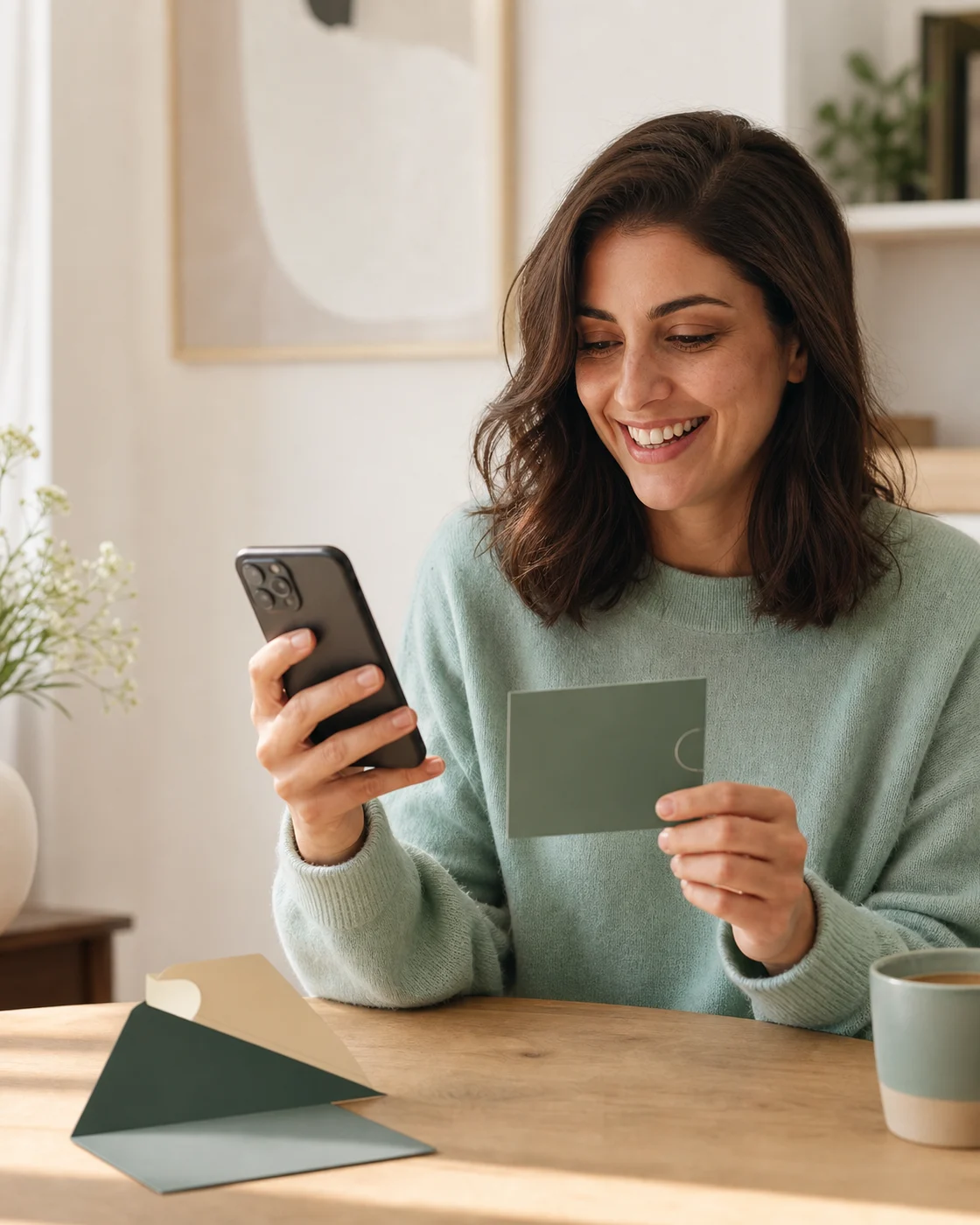
Your five screens
Opens from the card’s QR
Use the left and right arrow keys to move between steps.
Step 1
In a real programme this list is your own catalogue. Here it stands for the moment where the customer chooses what the card is worth spending on.
These six shops are invented for the demo. Livstick never displays a brand it has no agreement with.
Step 2
Suggested amounts, or any figure the programme allows. The amount stays with your commerce platform — Livstick only carries it as a label on the message.
The demo accepts any amount between €5 and €500.
Step 3
These are the fields your checkout already collects. They travel with the recording slot so that the message reaches the right inbox at the right moment.
Nothing typed here is stored by this website. The fields are sent once, to open a recording slot, and only when the demo is connected to an API key.
Step 4
This is the Livstick recorder itself, served from this domain and opened on a recording slot created for you a moment ago.
Your details changed since you recorded
A recording slot belongs to the details it was opened with. Starting a new one keeps the demo honest, but the video you have just recorded will no longer be attached to the voucher.
Video message recorded
It is now attached to the recording slot. The voucher on the next screen carries the QR code that opens it.
The recorder is not connected here
This environment has no Livstick API key, so no recording slot can be opened. Every other screen of the demo keeps working.
This environment has no Livstick API key, so no recording slot can be opened. Every other screen of the demo keeps working.
Too many recording slots have been opened from this connection in the last few minutes. Wait a moment, or carry on without a video.
The Livstick API could not be reached just now. It has nothing to do with your details — carry on without a video, or try again in a moment.
The Livstick API answered something the demo cannot use. Carry on without a video; the rest of the journey is unaffected.
This recording slot is no longer accessible from here. Start the demo again to open a new one.
Your browser will ask for the camera and the microphone. Nothing is recorded until you press the record button, and the demo slot expires on its own.
Opening the recorder…
Opening the recorder…
Step 5
This is what your customer sees before sending, and what the recipient receives afterwards — the same card, the same code, the same QR.
Your brand
€— Gift card
Gift code GC-••••-••••
No video message attached
Video message included
Open the messageSent
The recipient gets the card, the code and a link to the video. Nothing has been charged and no order exists — you can run the whole journey again.
Your brand
€— Gift card
Gift code GC-••••-••••
No video message attached
Video message included
Open the messageSame journey. Your brand on every screen.
Example brands, for illustration.
One single call leaves this website, and it leaves from its server. Your browser only ever talks to /api/demo — the API key never reaches it.
Picking the shop Frontend
Nothing leaves the page. The catalogue belongs to your commerce platform, and Livstick never needs to know which shop was chosen.
Choosing the amount Frontend
Still nothing. The amount is settled by your payment flow; it will travel later as a simple label attached to the message.
Sender and recipient Next step
Leaving this screen, your backend opens a recording slot — a container — with the details it already has. This is the only call of the whole journey.
{
  "crid": "DEMO-1754035200000-9f2c41ab",
  "language": "en",
  "sender": { "firstName": "Alice", "email": "alice.rivera@example.com" },
  "recipient": { "firstName": "Ben", "email": "ben.okoro@example.com" },
  "additionalData": { "demo": "gift-cards", "amount": 50, "personalMessage": "See you in July!" }
}
The key travels in an Authorization header, from server to server. A key placed in the page would be readable by anyone visiting it.
Recording the message Active
The slot answers with a public identifier and two links. The recorder is then mounted with that identifier — and with the domain and API base it must use, named rather than guessed.
{
  "crid": "DEMO-1754035200000-9f2c41ab",
  "urid": "a1b2c3d4e5", "state": "recording_open",
  "editKey": "550e8400-e29b-41d4-a716-446655440000",
  "links": { "recordingUrl": "https://livs.tk/a1b2c3d4e5" }
}<script type="module" src="/widget/assets/widget.latest.js" data-uid="a1b2c3d4e5"
data-lang="en" data-domain="{your domain}" data-api-url="{your Livstick API}"></script>The recorder announces the end of the upload with a DOM event, livstickRecorded. The demo listens for it, and does nothing else with the recording.
Voucher and QR code Completed
The QR code is an asset of the container: ask for it whenever you need it, print it on a card, or drop it in an email. A ready-to-print PDF is available from the same container.
On this page the QR travels through a signed proxy: without the token issued with the container, the request is refused. An open proxy would hand out the QR code of any real order.
Delivery Automatic
Livstick delivers the message on its own, at the moment the programme has set — with the card, never before. Your backend only steps in when it wants to force the send.
No request body: the container already knows who to write to, in which language and with which branding.
Three quick screens, then the part an amount cannot carry.
Six invented shops stand in for your catalogue.
Mock-up screenMock-upSuggested amounts, or one of your own.
Mock-up screenMock-upThe fields your checkout already collects.
Mock-up screenMock-up
The real Livstick recorder, in the brand’s style.
Real recorderCard, code, and a QR that opens the video.
Your messageExample people, for illustration.




















The other journey
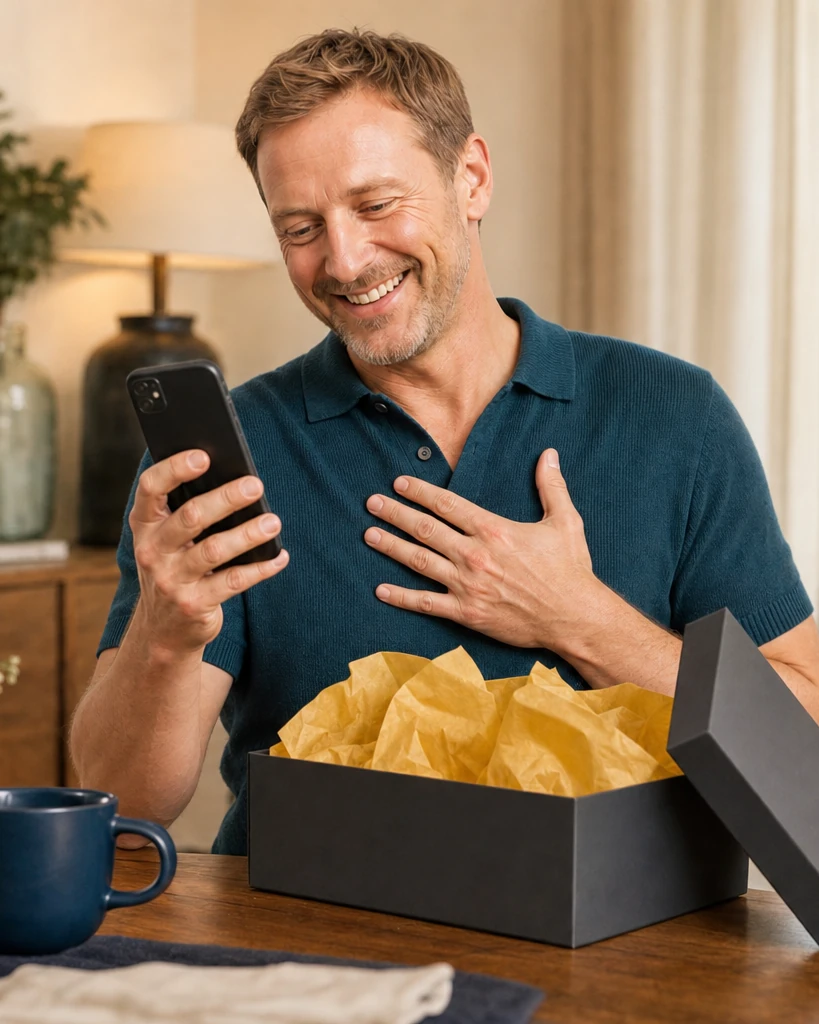
A tailored demo, around your products, your checkout and your colours.