
Guide · E-commerce brands
Many of your orders are gifts. None of them sound like the person who sent them.
The gift-note field takes 120 characters and gets printed on a slip. Meanwhile the sender is not in the room when the box is opened — and that is the only moment they care about.
This guide shows how Livstick adds a video message to an online order: chosen in the cart, recorded right after checkout, delivered with the parcel and played when the box is opened.

Add a video message
What changes
Three things, in your vocabulary.
-
A gift option that earns its place in the cart
One checkbox at checkout — free, paid or bundled into gift wrap. Your merchandising rules, not ours.
-
A reason for the recipient to know your brand
The person who opens the box lands on a page in your colors — often the first time they meet you.
-
First-party data from a gesture people want to make
Consented, and tied to an order you already own — not scraped from a third party.
The journey
The same four steps, told from the cart.
-
In the cart
One extra line item. Your checkout doesn't change shape.
-
Right after the order
The sender records from the confirmation page, in your brand.
-
In the parcel
Nothing changes in your fulfilment — one insert or one email.
-
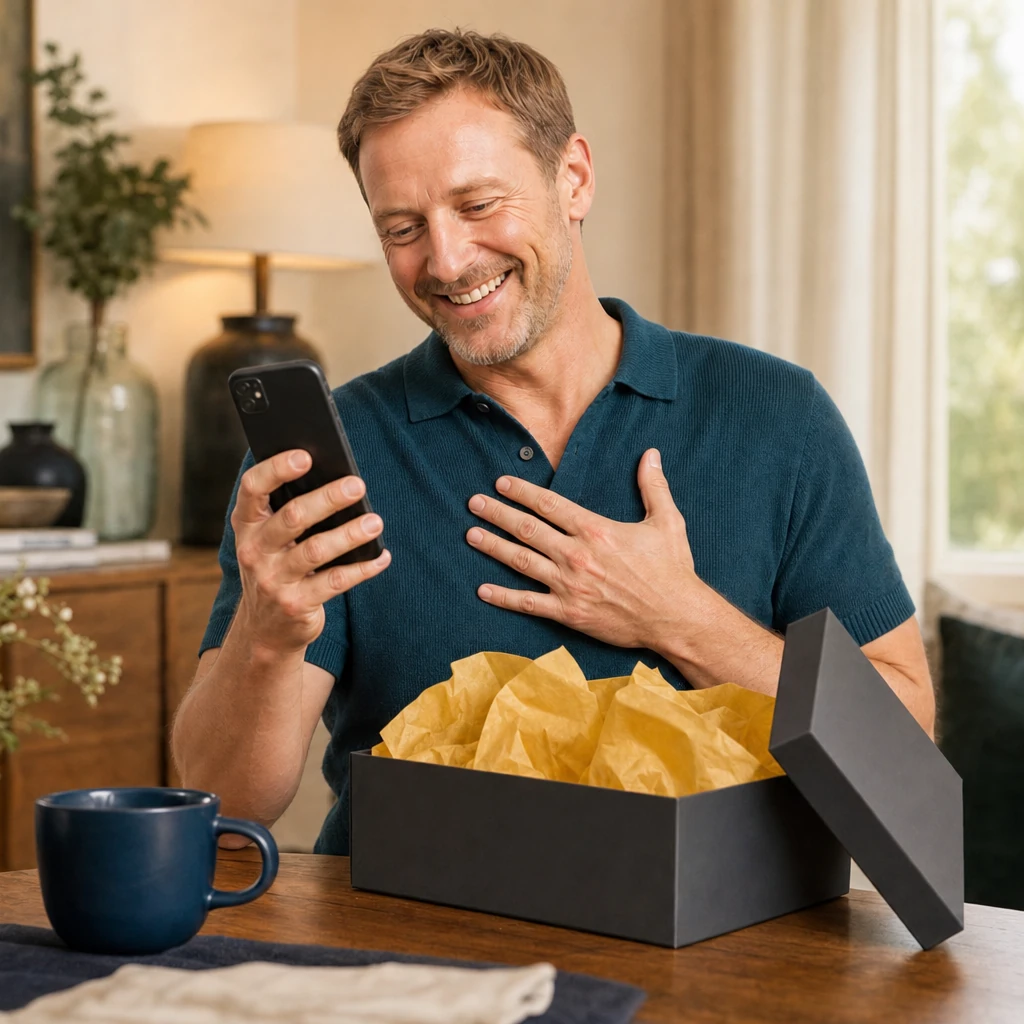
At the reveal
They scan, and the sender is suddenly in the room.

// integration
A few weeks, not quarters.
A widget in your cart template, a webhook on order confirmation, and your brand tokens. Your platform team reads the rest on the developer portal.

<!-- in your cart template -->
<livstick-widget-v3
mode="record"
domain="yourbrand.com">
</livstick-widget-v3>- Widget in your cart
- Webhook on order
- Your brand tokens
Your checkout keeps its shape
- 1Widget in your cart
- 2Webhook on order
- 3Your brand tokens